Visit the download section
Hit the button below to be taken directly to the download area of our site.

Experience the full power of BC Game on your computer with the official desktop app. Whether you enjoy the thrill of live casino action, spinning slots, or strategic table games and roulette, the app brings everything directly to your PC. It's completely free to download for both Windows and Mac users, offering the exact same feature set as the website but with a significant edge: faster loading, a more immersive full-screen display, and rock-solid stability for those long gaming marathons.
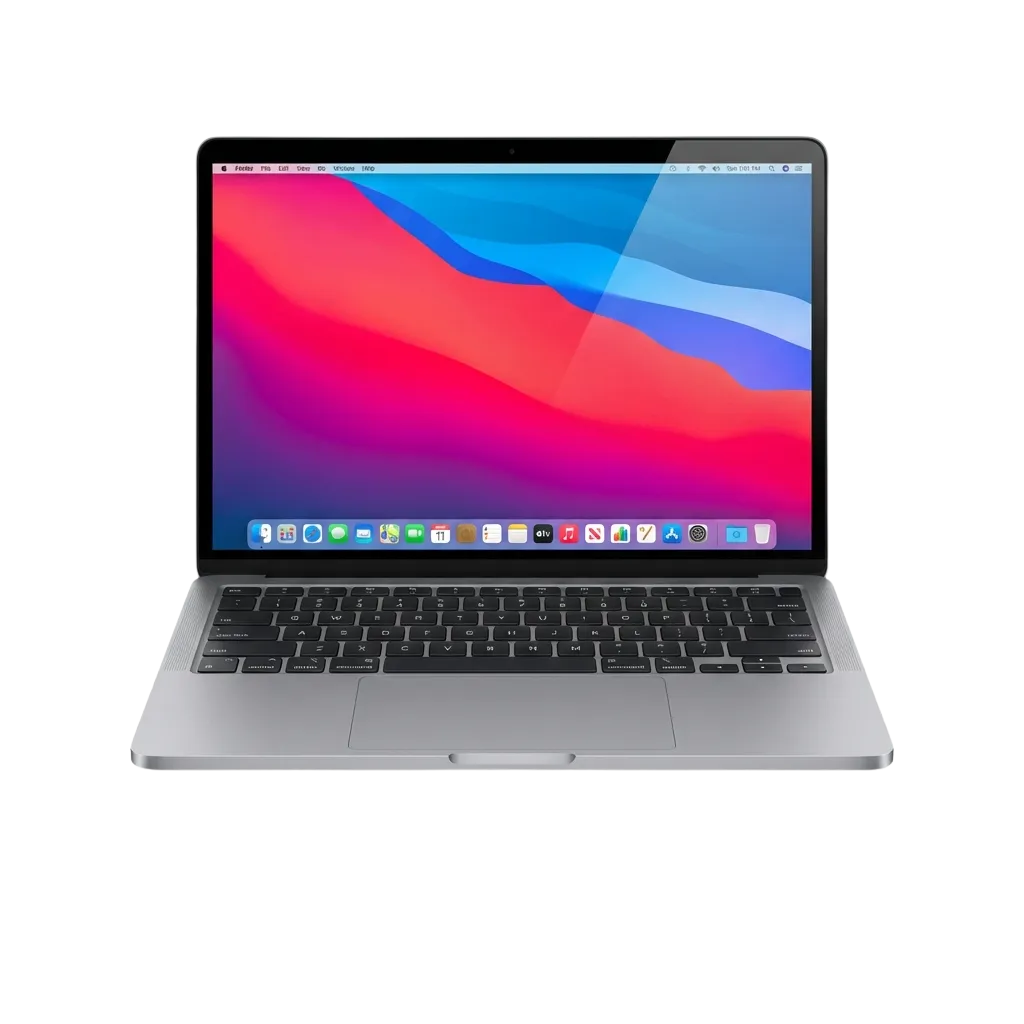
The BC Game PC client is designed for players who value efficiency. By bypassing the web browser, you get a more responsive interface and quicker access to sports markets and casino titles. It's built to handle high traffic, meaning your gameplay remains fluid and lag-free even during the busiest betting hours.
PC Client Size
85 MB
Available Languages
Available in English, Portuguese, Spanish, French, and Turkish
Category
Featuring Sports Betting, Online Casino, Instant Games, Live Dealer tables, Game Shows, and Slots
Compatible with Windows
Windows 7, 8, 10, 11
Compatible with macOS
macOS 10.13 and later
While switching to the desktop app offers several major advantages, there are a few practical points to consider. Here is a detailed look at the pros and the small trade-offs.
| Pros | Cons |
|---|---|
| Games and pages load significantly faster than in a web browser | Requires a small amount of disk space and an initial installation |
| Full-screen mode creates a more immersive, distraction-free environment | Updates need manual confirmation |
| Enhanced connection stability, which is crucial for live betting | Limited to desktop use only |
| Clean workspace—no more cluttered browser tabs | |
| One-click access from your desktop, reducing the need for repeated logins | |
| Specifically tuned to look sharp on high-resolution monitors | |
| Eliminates the risk of accidentally closing your game by shutting a tab |
The Windows version of BC Game is lightweight and compatible with almost any modern system, including Windows 7, 8, 10, and 11. The setup is straightforward and can be completed in minutes, even if you aren't particularly tech-savvy.
Hit the button below to be taken directly to the download area of our site.
Pick the Windows installer and save the file to your local drive.
Run the installer and simply follow the guided steps on your screen to finish the setup.
Once the process is done, launch the app via the desktop shortcut and sign in or register to start playing.
For Apple users, BC Game works seamlessly on macOS 10.13 and newer versions. Installation is handled through the classic Mac drag-and-drop method, making it incredibly simple.
Click the button below to visit the download section on this page.
Select the macOS version and download the file to your Downloads folder.
Open the file and drag the BC Game application icon into your Applications folder. Once the copy is complete, you're ready to go.
Open the app from your Applications folder, then log in or create an account to dive into the action.
To keep things running smoothly, BC Game frequently releases updates that squash bugs, boost performance, and introduce new gaming features. Staying current ensures you have the most stable version and the latest betting tools at your fingertips.
Registering through the PC app is the fastest way to unlock welcome bonuses and gain entry to sportsbooks and live dealer tables. The sign-up process is streamlined, taking less than a minute via several convenient methods.
If you prefer not to install software, you can still enjoy every bit of BC Game through your browser. The official website is a full-featured alternative that offers the same games, markets, and live dealers without needing any downloads. This is a great option for those who want the flexibility to play from any computer with an internet connection.
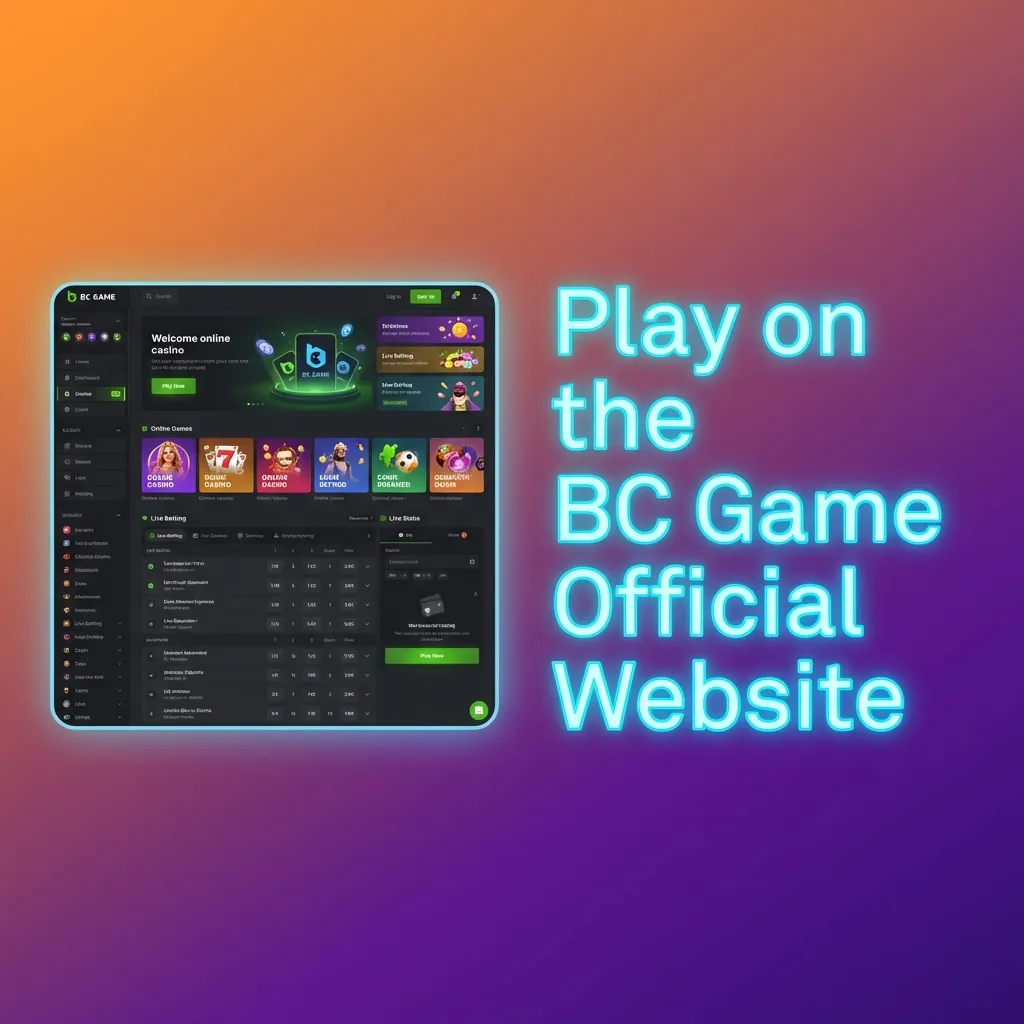
If you run into technical glitches or have questions about your account, BC Game offers several support channels for desktop users. You can find help quickly through the app or the website.
| Contact Method | Details |
|---|---|
| Live Chat | Available 24/7 via the app or website |
| support@play-bcgame.com | |
| Social Media | Twitter, Telegram, Instagram |
| Help Centre | An easy-to-navigate FAQ section and detailed user guides built right into the app |
No, an active and stable internet connection is required to load the games, update betting odds, and manage your account funds.
Not at all. Every promotion, loyalty reward, and welcome bonus available on the web version is fully accessible through the PC client.
It's very lightweight, requiring only about 85 MB of free space for the installation.
Yes. Your account is universal. Whether you switch from your computer to your phone, your balance, active bets, and settings will stay perfectly synced.
Is the BC Game PC app safe to install?
Updated: